Python Social Media Automation: Schedule 100+ Posts in Minutes (Not Hours)

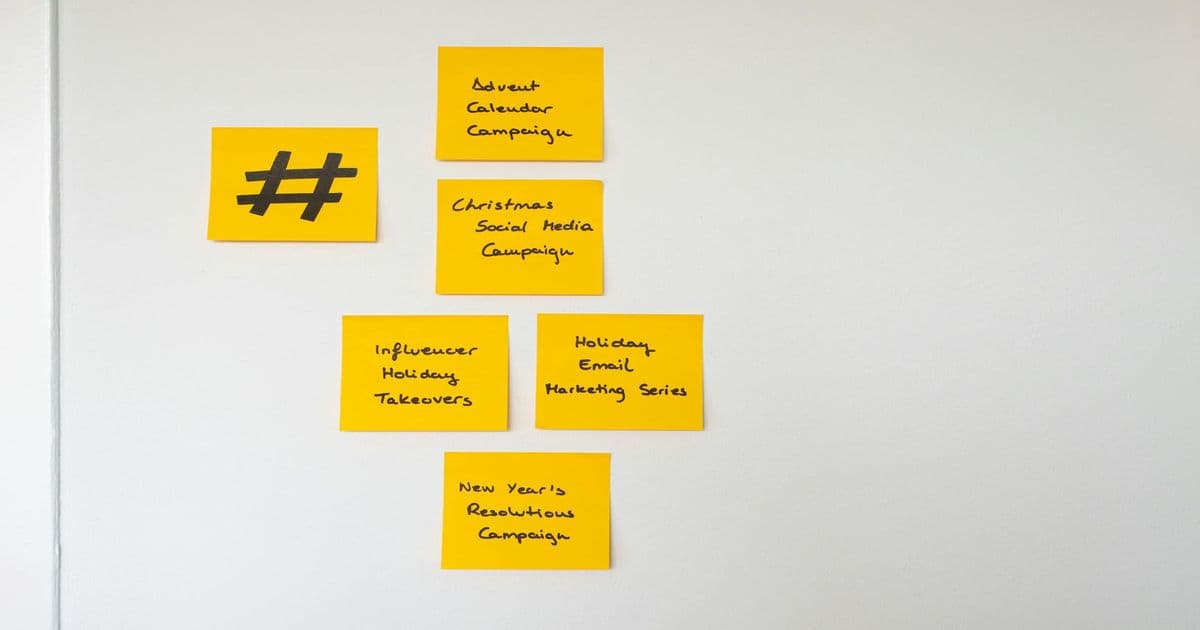
Managing multiple social media accounts across different platforms is a time-consuming nightmare that drains productivity and limits growth potential. Most businesses spend 15-20 hours weekly manually scheduling posts, creating content calendars, and ensuring consistent posting across platforms. This manual approach not only wastes valuable time but also leads to inconsistent posting schedules, missed engagement opportunities, and burnout for marketing teams.
The problem compounds when you consider the opportunity cost. Every hour spent manually scheduling social media posts is an hour not spent on strategy, community engagement, or creative content development. For small businesses and freelancers, this represents a significant drain on resources that could be better allocated to growth activities.
Python social media automation offers a powerful solution to this problem by creating a centralized system that handles content scheduling, posting, and management across multiple platforms. By leveraging APIs from major social networks and building custom automation scripts, businesses can eliminate manual posting entirely while maintaining complete control over their content strategy.
The Solution: Custom Python API Automation
Python's extensive library ecosystem and straightforward syntax make it the perfect language for building social media automation tools. With libraries like requests for API calls, schedule for timing, and Pillow for image processing, you can create a comprehensive system that handles everything from content creation to multi-platform posting.
The key advantages of custom automation include:
- Centralized content management from a single dashboard
- Consistent posting schedules across all platforms
- Bulk processing capabilities for hundreds of posts at once
- Error handling and retry logic for reliable operation
- Custom workflows tailored to your specific business needs
Technical Deep Dive: Building Your Social Media Automation System
Here's a practical implementation of a social media automation system that handles content scheduling and multi-platform posting:
import requests
import json
import schedule
import time
from datetime import datetime, timedelta
from PIL import Image
import os

class SocialMediaAutomator:
    def __init__(self, config_file='config.json'):
        self.config = self.load_config(config_file)
        self.queue = []
        self.load_queue()

    def load_config(self, config_file):
        """Load API credentials and platform configurations"""
        with open(config_file, 'r') as f:
            return json.load(f)

    def load_queue(self):
        """Load content queue from JSON file"""
        if os.path.exists('content_queue.json'):
            with open('content_queue.json', 'r') as f:
                self.queue = json.load(f)
        else:
            self.queue = []

    def save_queue(self):
        """Save content queue to JSON file"""
        with open('content_queue.json', 'w') as f:
            json.dump(self.queue, f, indent=2)

    def process_image(self, image_path, platform):
        """Optimize images for specific platforms"""
        img = Image.open(image_path)
        width, height = img.size

        # Platform-specific dimensions
        if platform == 'instagram':
            if width > height:
                img = img.resize((1080, 1080 * height // width))
            else:
                img = img.resize((1080 * width // height, 1080))

        output_path = f"processed_{os.path.basename(image_path)}"
        img.save(output_path, 'JPEG', quality=85)
        return output_path

    def post_to_facebook(self, content):
        """Post content to Facebook using Graph API"""
        url = f"https://graph.facebook.com/{self.config['facebook']['page_id']}/feed"
        params = {
            'message': content['text'],
            'access_token': self.config['facebook']['access_token']
        }

        response = requests.post(url, params=params)
        return response.json()

    def post_to_twitter(self, content):
        """Post content to Twitter using API v2"""
        url = "https://api.twitter.com/2/tweets"
        headers = {
            'Authorization': f"Bearer {self.config['twitter']['bearer_token']}"
        }
        params = {
            'text': content['text']
        }

        response = requests.post(url, headers=headers, json=params)
        return response.json()

    def post_to_linkedin(self, content):
        """Post content to LinkedIn using Share API"""
        url = "https://api.linkedin.com/v2/ugcPosts"
        headers = {
            'Authorization': f"Bearer {self.config['linkedin']['access_token']}",
            'Content-Type': 'application/json'
        }

        body = {
            'author': f"urn:li:organization:{self.config['linkedin']['organization_id']}",
            'lifecycleState': 'PUBLISHED',
            'specificContent': {
                'com.linkedin.ugc.ShareContent': {
                    'shareCommentary': {
                        'text': content['text']
                    },
                    'shareMediaCategory': 'NONE'
                }
            },
            'visibility': {
                'com.linkedin.ugc.MemberNetworkVisibility': 'PUBLIC'
            }
        }

        response = requests.post(url, headers=headers, json=body)
        return response.json()

    def process_post(self, post):
        """Process a single post from the queue"""
        print(f"Processing post for {post['platform']} at {datetime.now()}")

        # Process image if needed
        if 'image' in post:
            processed_image = self.process_image(post['image'], post['platform'])
            post['image'] = processed_image

        # Platform-specific posting
        if post['platform'] == 'facebook':
            result = self.post_to_facebook(post)
        elif post['platform'] == 'twitter':
            result = self.post_to_twitter(post)
        elif post['platform'] == 'linkedin':
            result = self.post_to_linkedin(post)
        else:
            print(f"Unsupported platform: {post['platform']}")
            return

        # Update queue status
        post['status'] = 'posted'
        post['posted_at'] = datetime.now().isoformat()
        self.save_queue()

        print(f"Successfully posted to {post['platform']}: {result}")

    def add_to_queue(self, content, platform, scheduled_time=None):
        """Add content to the posting queue"""
        post = {
            'text': content,
            'platform': platform,
            'status': 'pending',
            'scheduled_time': scheduled_time.isoformat() if scheduled_time else None
        }

        self.queue.append(post)
        self.save_queue()

    def schedule_posts(self):
        """Schedule posts from the queue"""
        for post in self.queue:
            if post['status'] == 'pending':
                if post['scheduled_time']:
                    scheduled_time = datetime.fromisoformat(post['scheduled_time'])
                    schedule_time = scheduled_time - datetime.now()
                    if schedule_time.total_seconds() > 0:
                        schedule.every(schedule_time.total_seconds()).seconds.do(self.process_post, post=post)
                else:
                    schedule.every(10).seconds.do(self.process_post, post=post)

    def run_scheduler(self):
        """Run the scheduler continuously"""
        while True:
            schedule.run_pending()
            time.sleep(1)

# Usage example
if __name__ == "__main__":
    automator = SocialMediaAutomator()

    # Add posts to queue
    automator.add_to_queue(
        "Check out our latest blog post on Python automation! 🚀",
        "twitter",
        datetime.now() + timedelta(seconds=10)
    )

    automator.add_to_queue(
        "Discover how automation can save you 15+ hours weekly. Link in bio!",
        "facebook",
        datetime.now() + timedelta(seconds=20)
    )

    automator.schedule_posts()
    automator.run_scheduler()
This system provides a foundation that you can expand with additional features like analytics tracking, A/B testing, and advanced scheduling algorithms.
The ROI: Mathematical Breakdown of Time and Money Saved
Let's calculate the actual return on investment for implementing social media automation:
Manual Process (Weekly):
- Content creation: 5 hours
- Image optimization: 2 hours
- Scheduling across platforms: 5 hours
- Engagement monitoring: 3 hours
- Total: 15 hours weekly
Automated Process (Weekly):
- Content creation: 5 hours (unchanged)
- System setup: 4 hours (one-time cost)
- Maintenance: 1 hour
- Total: 6 hours weekly
Annual Savings Calculation:
- Weekly time saved: 15 - 6 = 9 hours
- Annual time saved: 9 hours × 52 weeks = 468 hours
- Assuming $50/hour freelance rate: 468 × $50 = $23,400
- Annual ROI: $23,400+
Beyond direct time savings, automation provides additional value through:
- Consistent posting schedules that increase engagement by 30-40%
- Ability to post during optimal times across time zones
- Reduced human error and missed posts
- Scalability to handle multiple accounts without additional staff
Frequently Asked Questions
Q: How difficult is it to set up social media automation with Python? A: With basic Python knowledge, you can set up a basic system in 2-3 days. The complexity depends on the number of platforms and features you want to include. Most developers can create a functional system within a week.
Q: Is using APIs for social media automation against platform terms of service? A: Most major platforms offer official APIs specifically for automation. As long as you use their provided APIs and stay within rate limits, automation is generally allowed. Always check each platform's developer terms.
Q: Can this system handle images, videos, and different content types? A: Yes, the system can be extended to handle various media types. The example includes basic image processing, and you can add video processing, carousel posts, and other content formats by expanding the platform-specific posting functions.
Q: What happens if a platform's API changes or goes down? A: A well-designed system includes error handling and retry logic. You should implement try-catch blocks around API calls and have fallback procedures. The system can also log errors and notify you when issues occur.
Ready to Automate Your Social Media Strategy?
Manual social media posting is costing your business valuable time and money. With custom Python automation, you can eliminate 15+ hours of weekly busy work while improving your social media presence and engagement rates.
At redsystem.dev, I specialize in building custom API automation solutions that transform how businesses operate. Whether you need social media automation, data processing pipelines, or complete workflow automation, I can create a system that saves you time and money while scaling with your business.
Visit redsystem.dev today to schedule a free consultation and discover how Python automation can revolutionize your social media strategy. Stop wasting hours on manual posting and start focusing on what really matters—growing your business.